 Pitaka
Search across your whole library
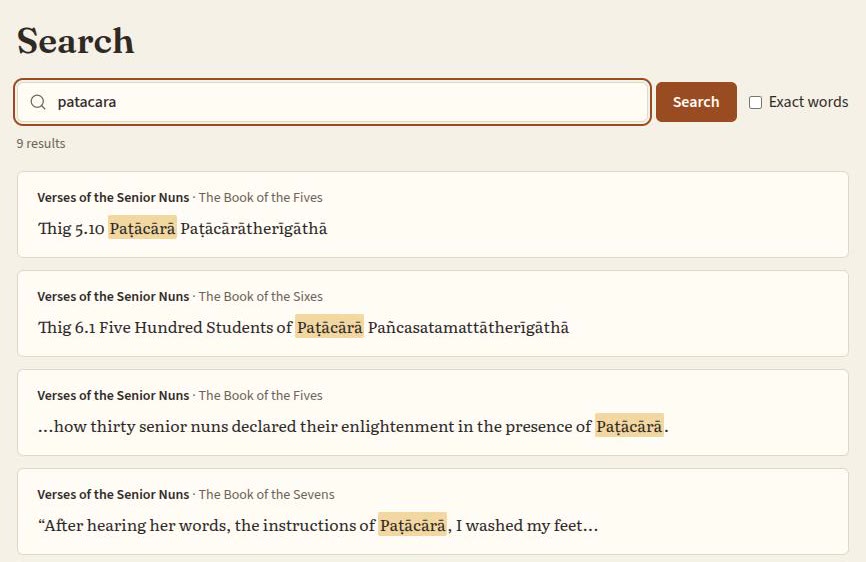
Full-text search over every paragraph of every book, ranked by relevance, with the matching words highlighted. Search finds other forms of a word ("learn" also finds "learning"), or tick Exact words to match them exactly.
Case and diacritics are ignored, so samsara finds “saṃsāra” and patacara finds “Paṭācārā”. Quoted phrases, prefix* and AND/OR/NOT work too.
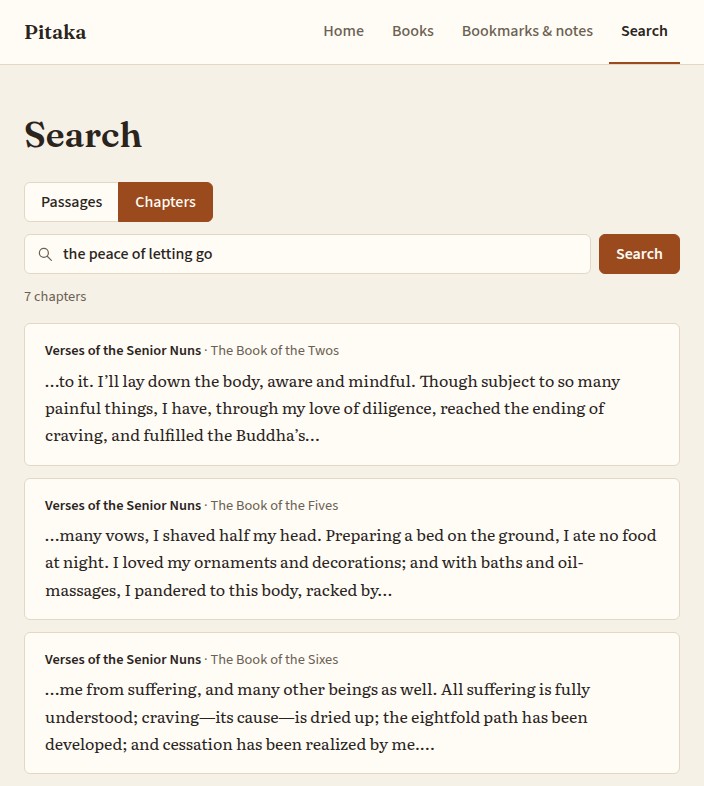
Find chapters by meaning
Describe what you're looking for, like the peace of letting go, and get the chapters that are about it, even when they don't use your words. Open one and the reader lands on the passage that matched.
A small AI model reads each book as you import it and runs entirely on your own computer. It's downloaded once, then works offline, and your books never leave your machine. It finds and ranks chapters; it doesn't write anything.
Desktop app only: not available in the browser demo. The screenshot shows real results from the demo's book.
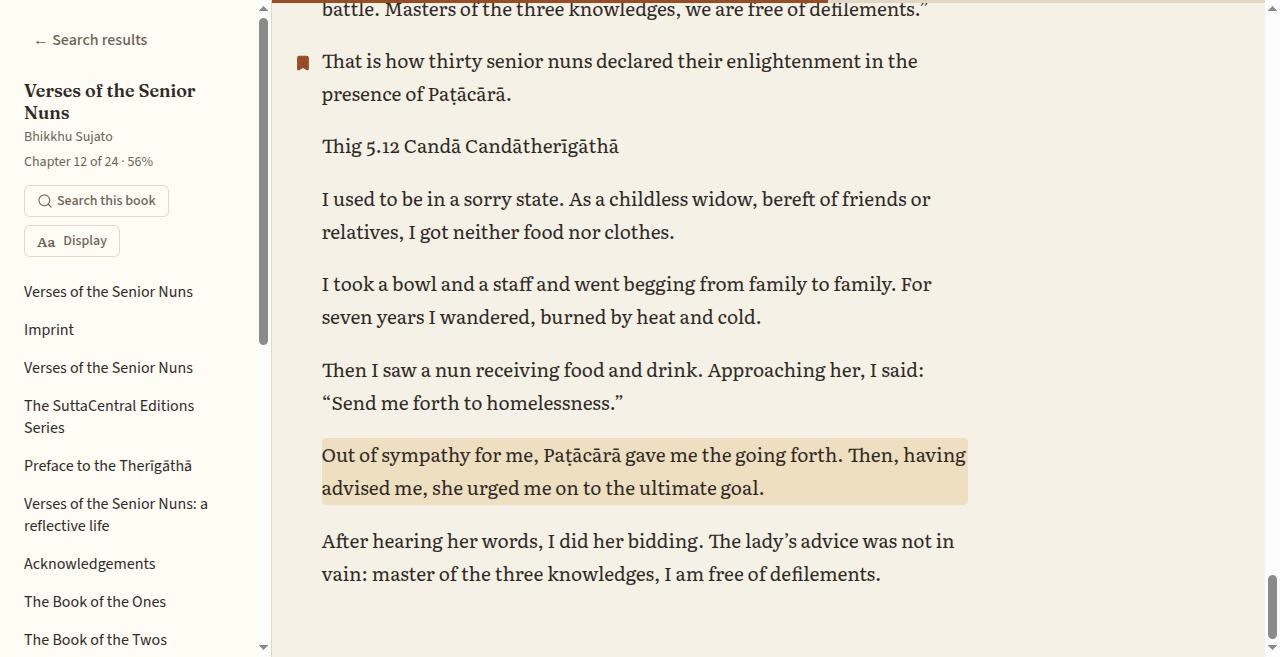
Read with the hit in context
Open a result and the reader jumps straight to that paragraph and highlights it, with the book's chapters alongside, so you can read on from where the search landed.
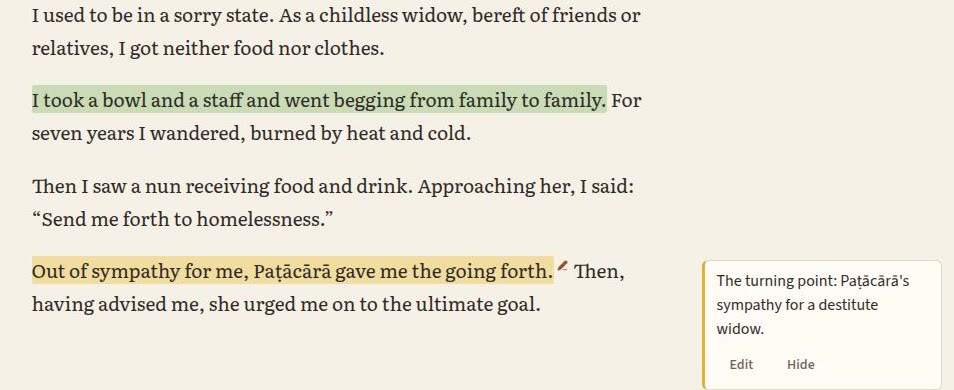
Highlight and write notes
Select the words that matter in a paragraph to highlight them in one of four colours, and add a note to a highlight or to a whole paragraph. A small pen marks each note in the text; click it and the note opens in the margin beside the passage, where you can edit it.
Every book's highlights and notes are collected in reading order, each a click away from its place in the book.
Keep passages in folders
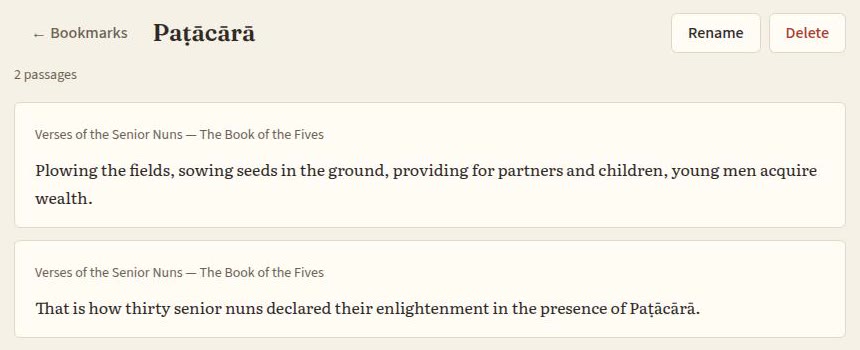
Bookmark any paragraph into as many named folders as you like, one per topic or project, and come back to them later, each linked to its place in the book.
Read your way
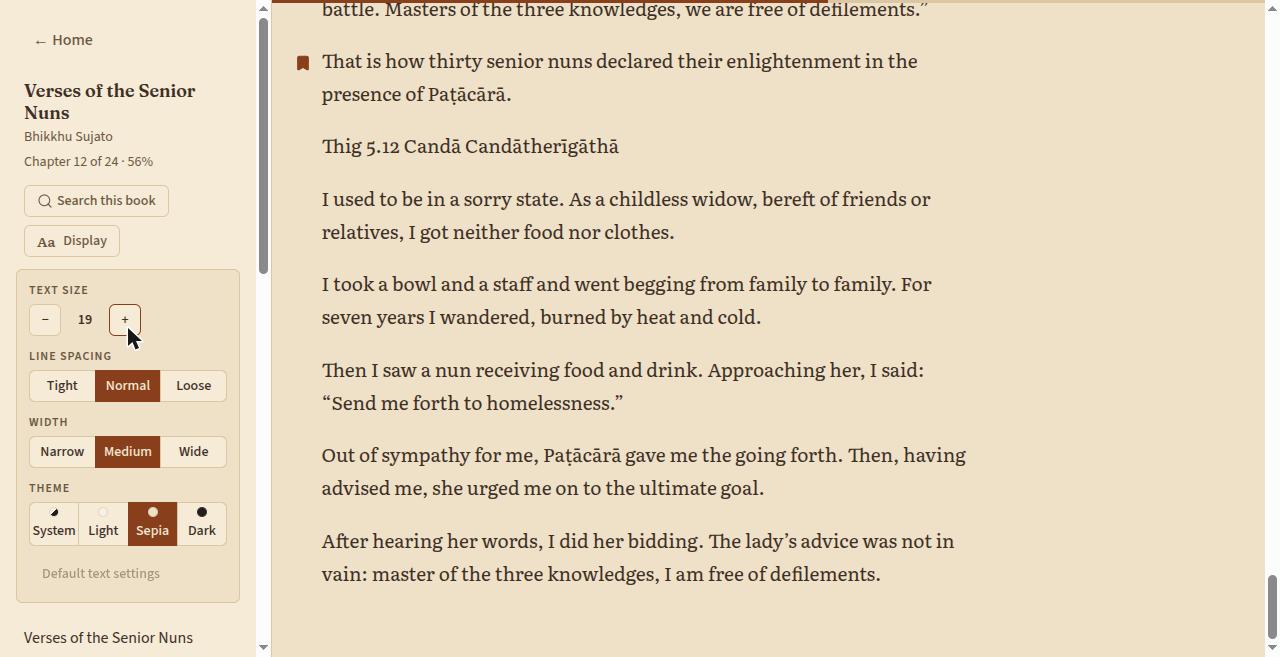
Open Display in the reader to set the text size, line spacing and column width, and to switch between light, sepia and dark themes, or follow your system. Your choices are remembered.
The sidebar shows which chapter you're in and how far through the book you are, and keyboard shortcuts (press ? to see them) get you around without the mouse.
Pick up where you left off
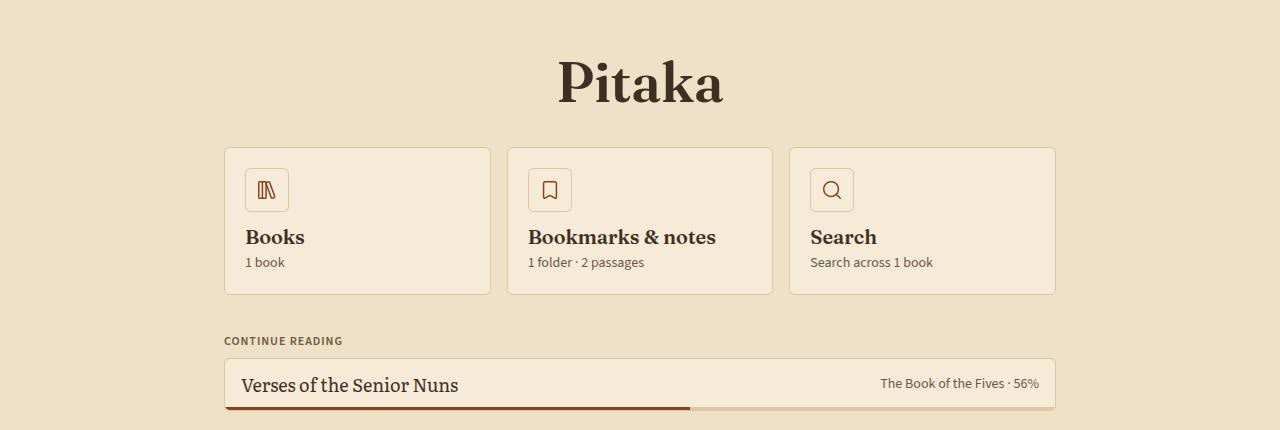
Pitaka reopens each book at the paragraph you stopped on, and Home lists the books you're partway through with a progress bar, so the next session starts in one click.
Each book also gets a cover on the Books screen and on Home: its own artwork, or a generated one when the file has none.
Good to know
Chapter search by meaning is included in the installers. Each book takes a few minutes to index for it after importing.
It's early software: footnotes aren't handled specially yet, and the reader shows text without images or formatting. The known limitations are listed in full. Pitaka is built with Tauri, Rust and SQLite.
Feedback
Pitaka is made by one person, and hearing how you use it is the best way it gets better. If something doesn't work, or there's something you wish it did, let me know.
Report a bug Suggest an idea Email me
Reporting a bug or idea on GitHub needs a free account. Email works without one. For a security problem, please report it privately.